Gusto vs Rippling for a team past 20 people, compared on payroll, devices and price
How Gusto and Rippling compare once a team passes 20 people and a second state, on payroll, onboarding, laptops and price, with a checklist to score them yourself.
Marketing strategy
The Leapyn team
November 28, 2026
10 min read
In this post
toc
Ana Ruiz had narrowed the choice to Gusto vs Rippling by the time the owner told her to pick one and stop asking him. Glen Pruitt is the physical therapist who owns the practice she has managed for seven years, he treats patients four days a week, and he regards software the way most of his patients regard a foam roller.
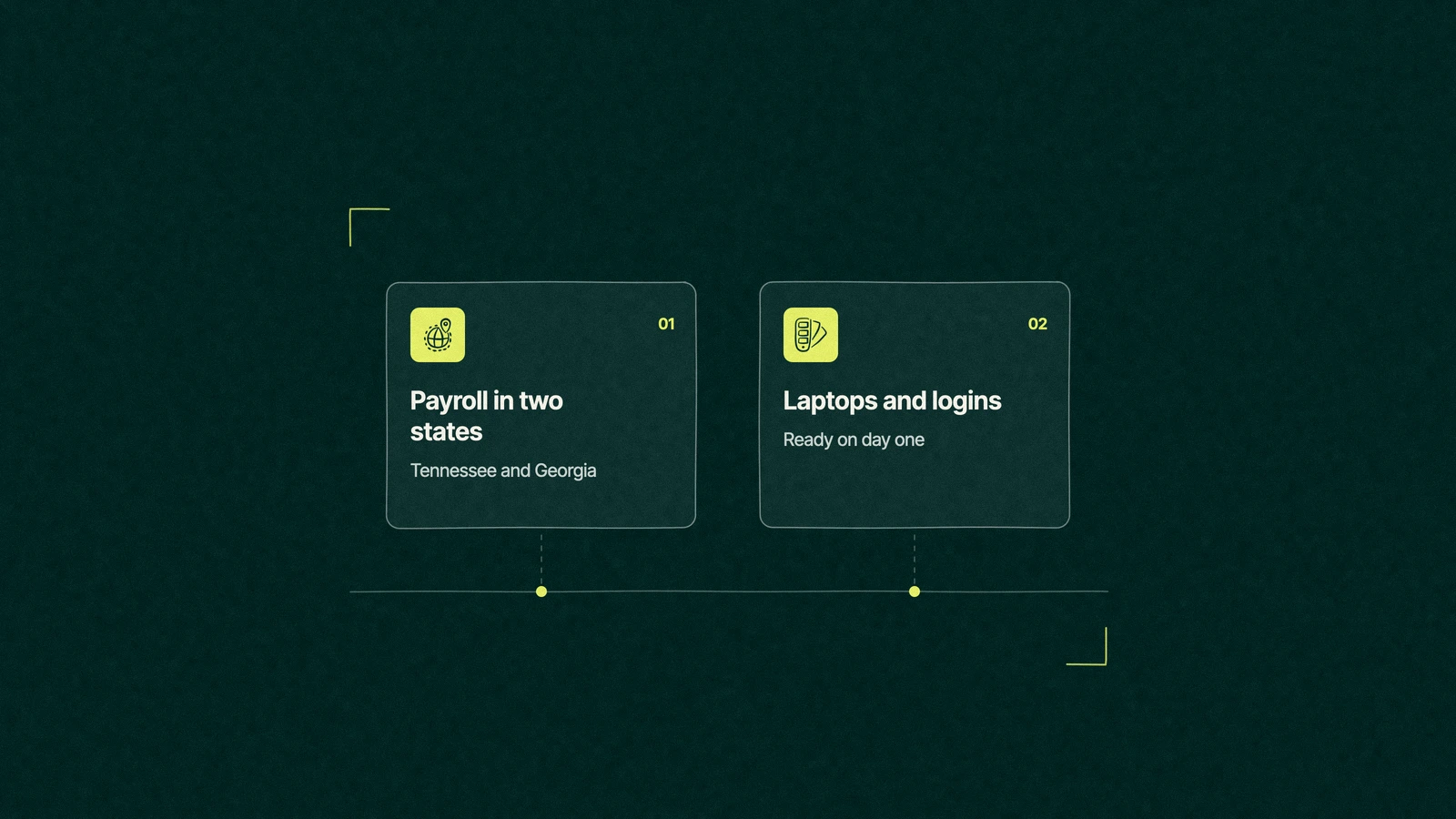
The group reaches 22 people in January, when it opens a second clinic across the state line in Georgia. Tennessee doesn't tax wages, so for the first time some of Ana's paychecks will need state withholding, and the five new hires in Georgia need laptops and logins to the scheduling system the morning they start.
The accountant who has run their payroll for nine years doesn't do Georgia, and she was gracious about it, which somehow made it worse. Two sales demos later Ana understood each tool better and had no idea which one was right for a clinic.
She settled it in one afternoon with a checklist and a pencil, and Glen approved it in under a minute, which for Glen counts as enthusiasm.
One link in this post is a partner link, so Gusto may pay us if you sign up through it. We only list tools we've tested, and the commission never buys a better spot.
Gusto vs Rippling, what is the difference?
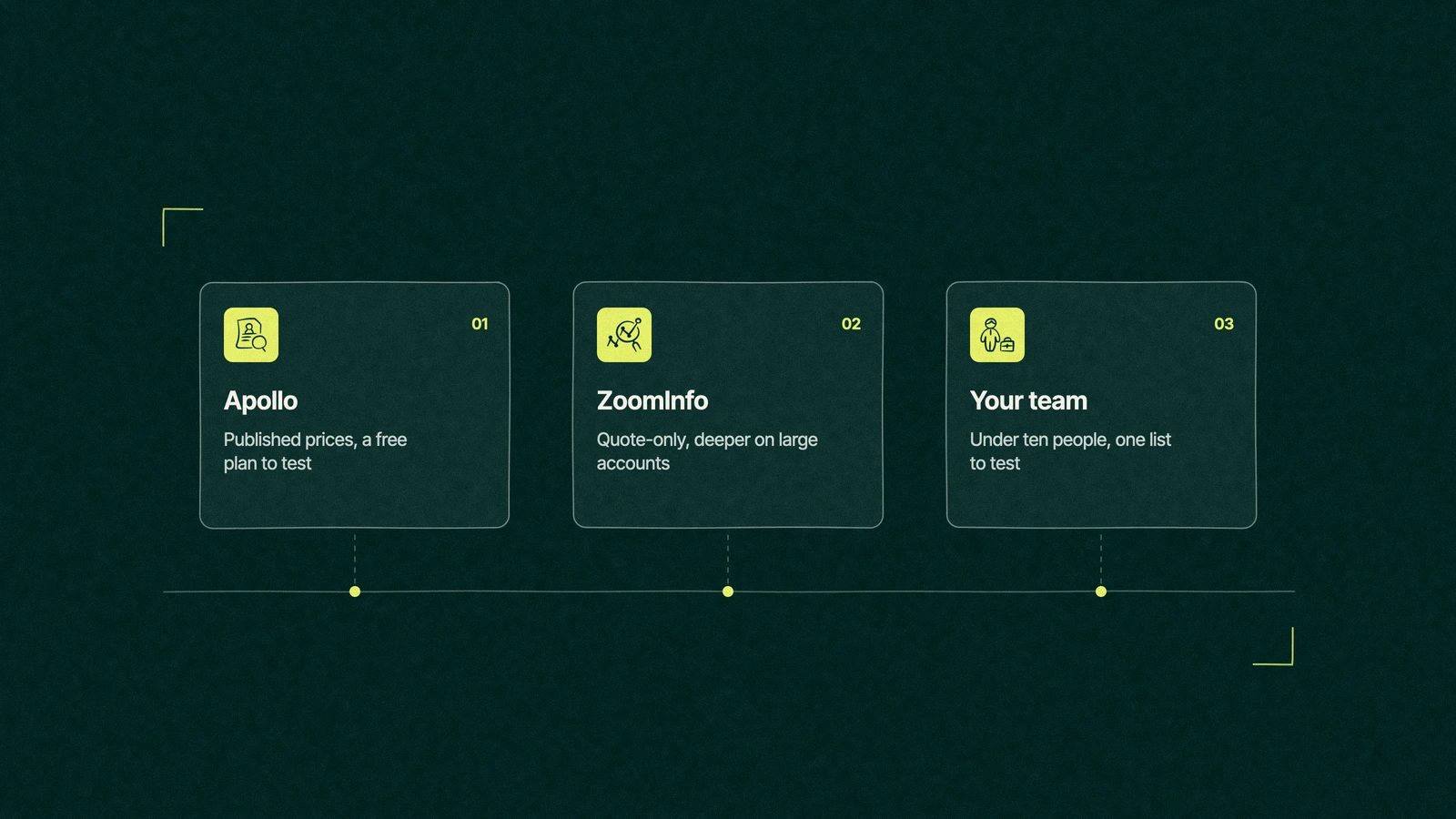
Gusto is payroll and HR software built for small US teams, with its plans and prices published on its website. Rippling starts from the same payroll and HR core and adds IT, so laptops, app logins and security settings can run from the same employee record, priced by module through a custom quote.
Both run full-service payroll, file payroll taxes and handle new hire paperwork. Gusto (partner link) keeps the product narrow and the price easy to read, which suits a team where one person runs payroll between other jobs.
Rippling is built around the idea that hiring someone should set off everything at once, from payroll to the laptop to the apps they log in to. That reach is its strength, and it's also why the price arrives as a quote instead of a number on a page.
For a team of 22, the honest question is which of those two shapes matches the next 18 months. A clinic that will stay at one location for years needs something different from one that plans to open a third site.
Multi-state payroll, and what a second state changes
A second state changes payroll more than most owners expect. Each state where people work brings its own registration, withholding rules and filings, and the payroll tool has to know which employee belongs to which state before the first check goes out.
Ana's case shows it neatly. The Tennessee Department of Revenue says the state has no income tax on earned income and so no withholding requirement, while the Georgia Department of Revenue asks employers located in Georgia or with Georgia-resident employees to register for a withholding number through the Georgia Tax Center.
Gusto's pricing page sorts this by plan. Its Simple plan says it runs basic payroll in one state, so a group opening a clinic in Georgia starts at Plus, which lists multi-state payroll, and Gusto sells state tax registration as an add-on priced by state.
Rippling's payroll page says it files with federal, state and local agencies, and that new hires and pay changes made in HR flow straight into payroll. Neither tool removes the registration itself, so somebody still has to own the Georgia account and know when the first deposit is due.
Ana put that somebody on her list by name. It was her, and she blocked a morning in December for it before choosing anything.
Device management and logins on day one
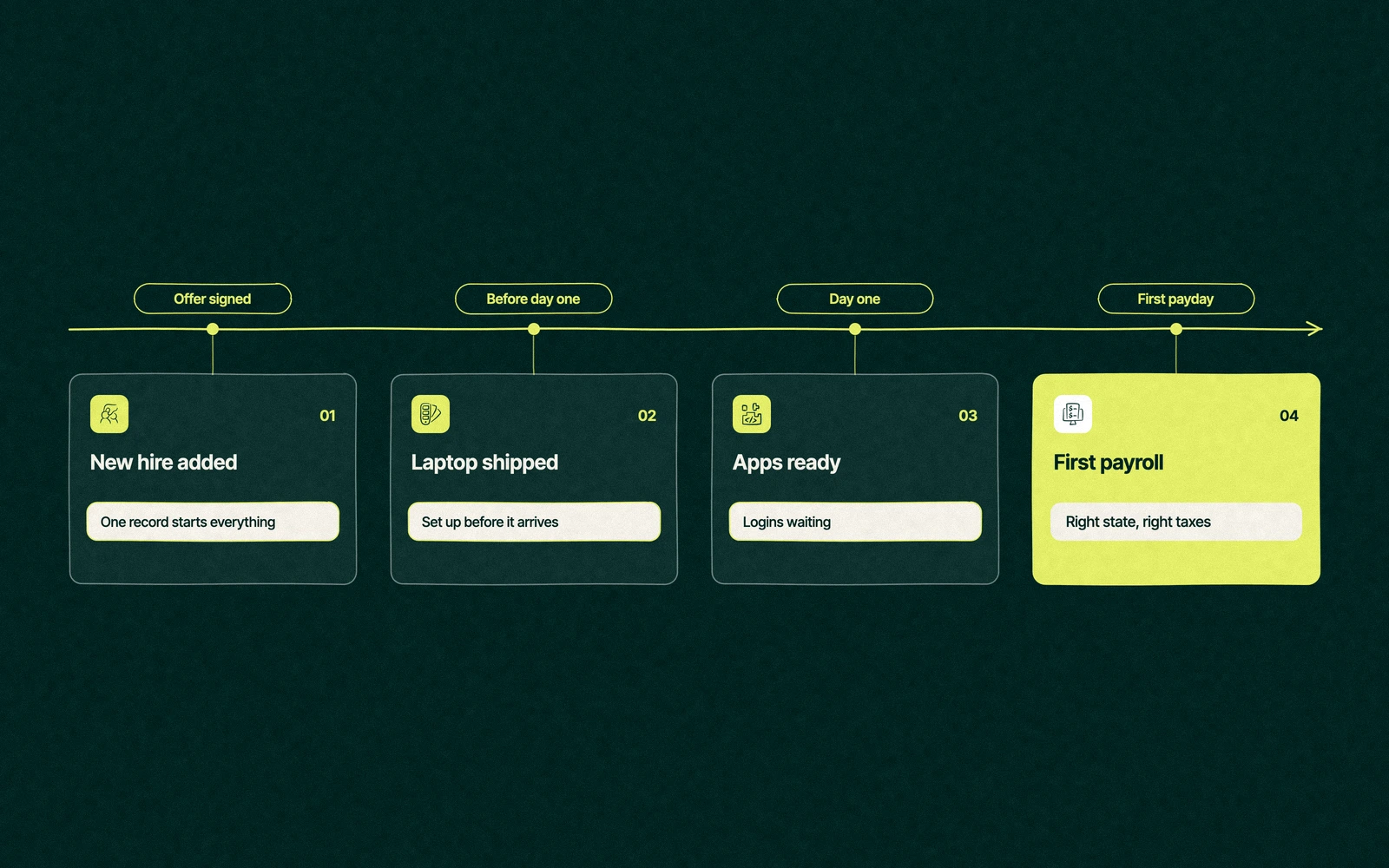
This is where Gusto vs Rippling stops being a close call for a clinic. A front desk coordinator who starts in Georgia needs a laptop, an email address and a login to the scheduling system before the first patient walks in, or she spends her first morning watching someone else work.
Gusto's pricing page lists employee self-onboarding, offer letter templates and email provisioning on every plan, with software provisioning added on Plus and Premium. It doesn't list device management, so laptops would come from a separate tool or from whoever handles IT today.
Rippling's device management page describes a single hire event that sets off device purchase, setup, app installs, security policies and shipping. It also covers getting the laptop back when someone leaves, and it lists more than 600 integrations for creating and removing app accounts.
For Ana, the laptop question mattered most in month 18, when the third clinic would need another set of machines. A tool that ships a configured laptop to a new hire's door does the same job as an IT contractor who makes the trip across the state line with three boxes.
Rippling pricing next to Gusto pricing at 22 and 40 people
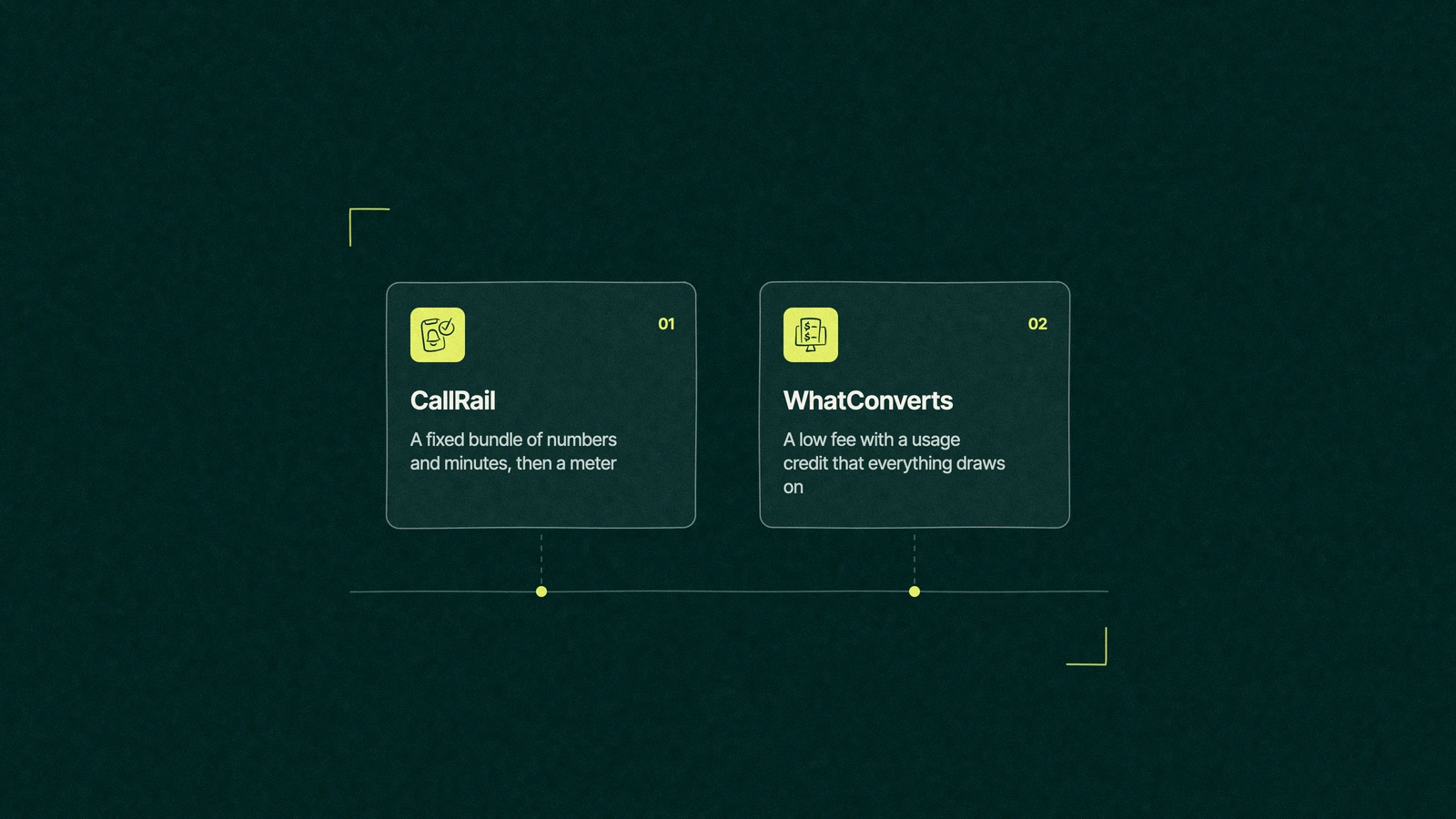
Rippling pricing is a quote. Its pricing page said on 27 November 2026 that plans start at $8 per employee per month with a monthly base fee, and that the total depends on the products you choose, so the base fee and the full price for any headcount are not published.
Gusto publishes a base price plus a price per person. The figures below come from Gusto's pricing page on 27 November 2026, worked out at 22 people today and 40 people in 18 months.
Plan
Published price
At 22 people
At 40 people
Payroll in two states
Gusto Simple
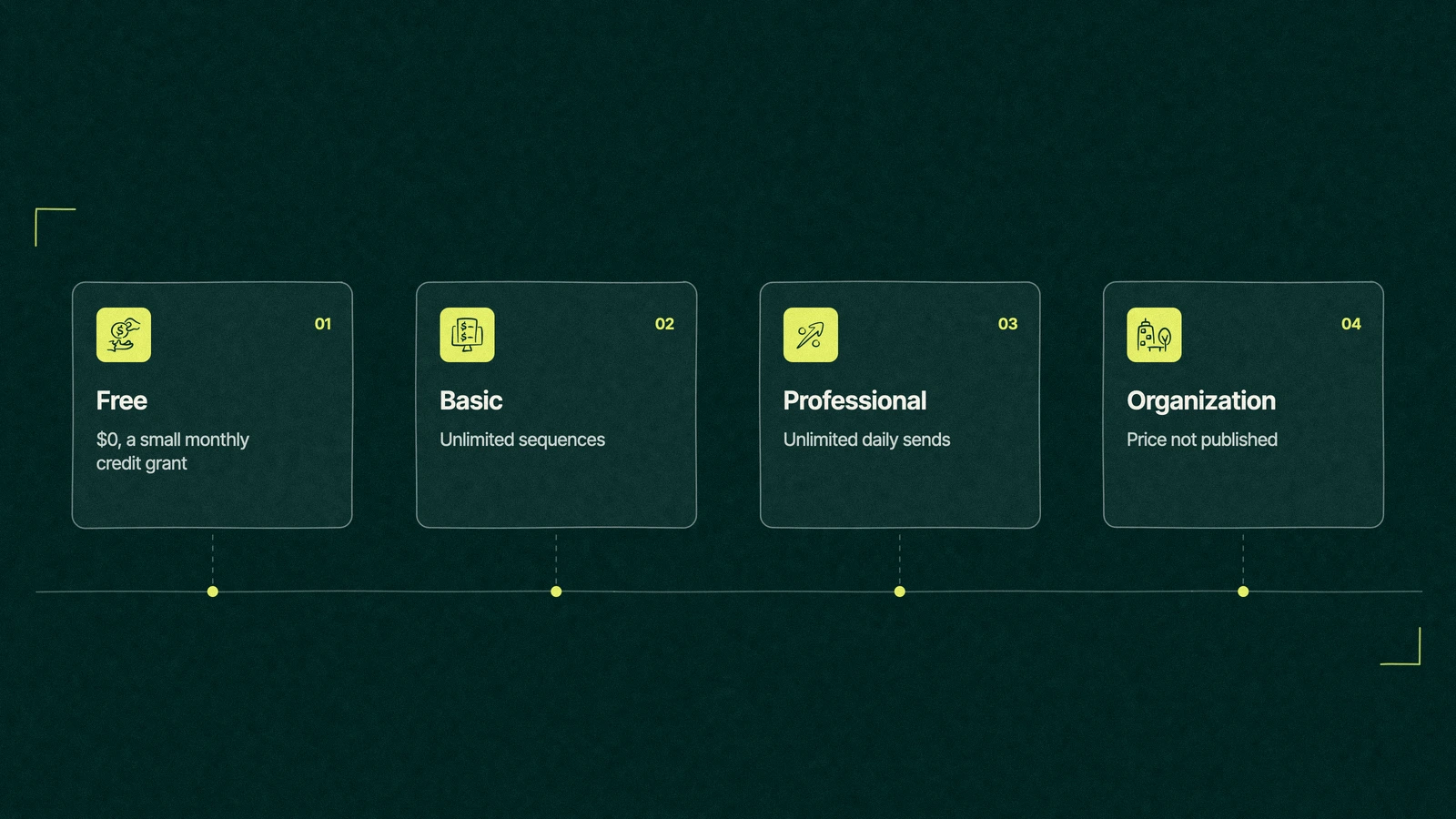
$49 a month plus $6 a person
$181 a month
$289 a month
No, one state only
Gusto Plus
$80 a month plus $12 a person
$344 a month
$560 a month
Yes, multi-state payroll is listed
Gusto Premium
$180 a month plus $22 a person
$664 a month
$1,060 a month
Not listed on the plan card, so confirm with Gusto
Rippling
From $8 per employee per month plus a monthly base fee
Not published
Not published
Files federal, state and local taxes
Gusto prices exclude add-ons such as state tax registration, and its page says there are no contracts and setup is free. Rippling's quote will depend on which modules you add, so ask for the same quote at both headcounts.
Gusto pricing for a two-state team
For Ana, Simple was out the day Georgia was signed. Plus at $344 a month covered both states at today's size, and the jump to $560 at 40 people was easy to explain to an owner who reads only the last line.
A Gusto or Rippling scorecard for a team past 20
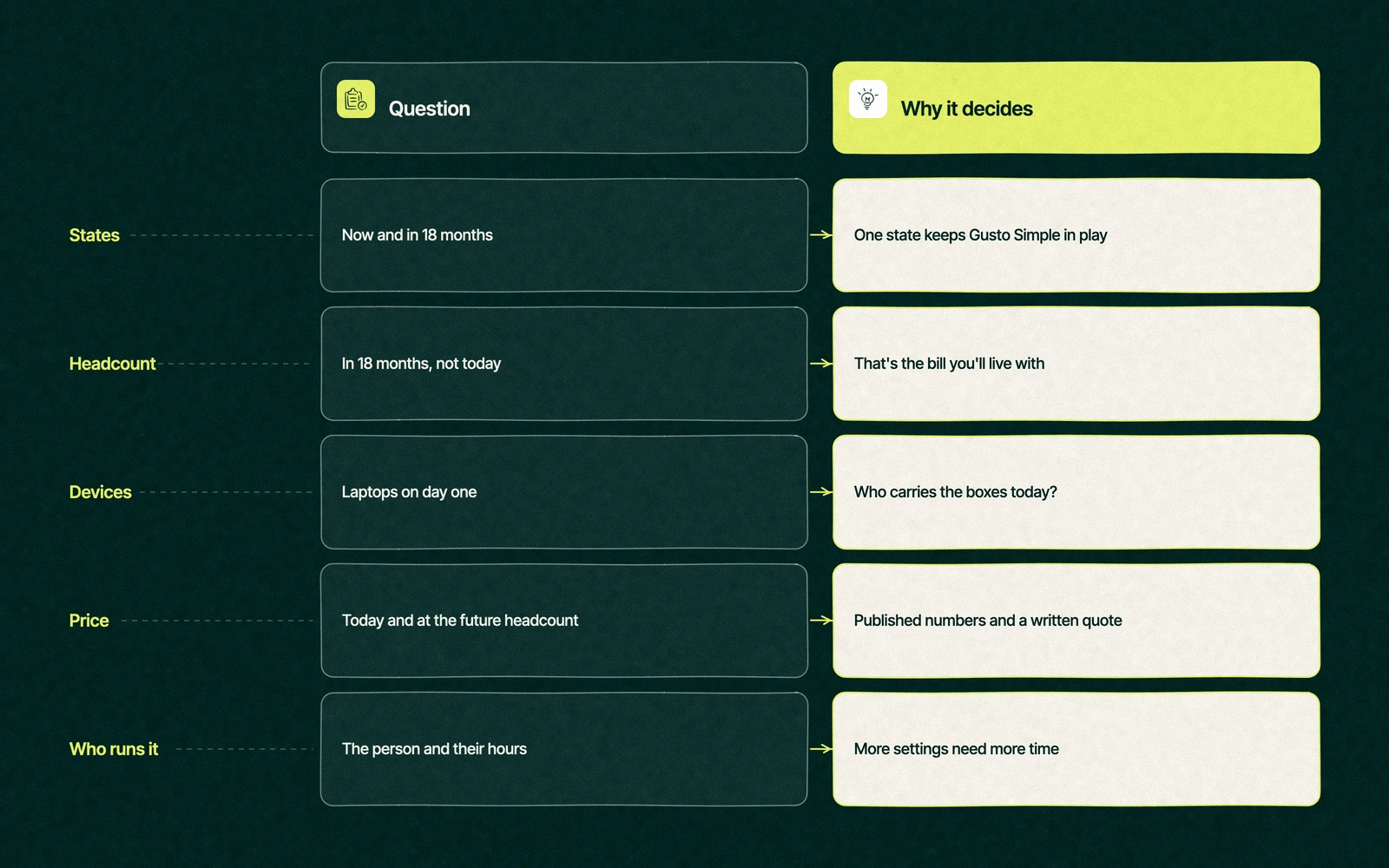
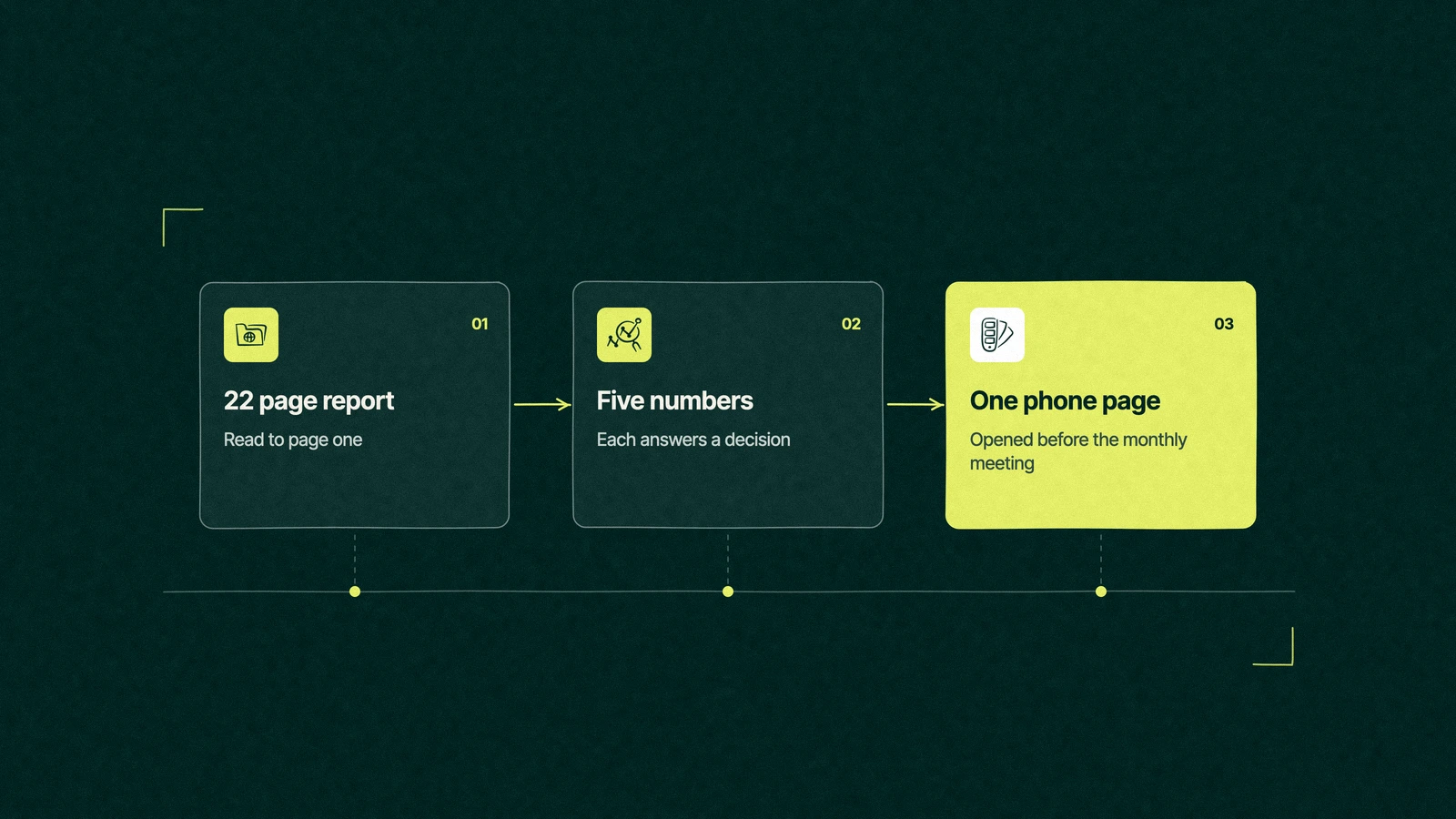
Demos are built to make each product look like the obvious answer, which is why Ana came out of two of them less sure than she went in. She replaced them with five questions and scored each tool 0, 1 or 2 against her own clinic, with 2 meaning it does the job without a workaround.
States now and in 18 months. List every state where someone will work. If it's one state for the foreseeable future, Gusto Simple is in play, and if it's two or more, compare Gusto Plus with Rippling.
Headcount in 18 months. Use the hiring plan, not today's roster. Price both tools at that number, since that's the bill you'll live with.
Device management. Count who needs a company laptop on day one and who sets it up today. If the answer is a person carrying boxes between clinics, score the device question high.
Price at today's headcount and at the future one. Use Gusto's published numbers and Rippling's written quote. A tool that costs less today and more at 40 people isn't the cheap one.
Who runs it every week. Name the person and their hours. A tool with more settings needs someone with time to learn them.
Ana's Gusto vs Rippling sheet came out close. Gusto scored higher on a price she could read without a sales call and on how quickly she could learn it, and Rippling scored higher on devices and on the third clinic, which Glen had already started looking at.
Rippling review, what it does better and where Gusto wins
A fair Rippling review has to start with what it does that Gusto doesn't. Neither tool is the better product in general, and each wins for a different kind of team.
Rippling does better on laptops and app accounts from one hire event, on getting devices back when people leave, and on teams that will add states, sites or countries. Its page also lists more than 600 app integrations.
Gusto does better on a price you can read before you call anyone, on a setup that one busy manager can run and on payroll-first teams that handle IT some other way.
Both handle full-service payroll, tax filing and digital new hire paperwork, so neither choice puts your paychecks at risk.
The trade is breadth against simplicity. Rippling asks for more setup time and a quote, and in return it runs more of the company from one record.
Gusto alternatives, when neither one fits
Some teams read a Gusto vs Rippling comparison and realize they need neither tool yet. A company of eight in one state may be well served by its accountant's payroll service for another year, and paying for HR software it won't open is a cost like any other.
Gusto alternatives also make sense when hiring abroad is the main job, because the tools built for international employment are a separate category from US payroll. Run the same five questions against any tool you consider, and keep the scores, since the next comparison will be easier with this one on file.
Gusto vs Rippling, and the first Georgia payday
Ana chose Rippling. The device score decided it, because the third clinic made the laptop problem permanent, and the quote she asked for at 22 and 40 people came in at a number Glen accepted without a follow-up question.
She was careful to write down when the answer would flip. If the third clinic didn't happen and the group stayed at two sites, Gusto Plus would have won on its published price and its shorter setup, and she put that in the note she gave Glen.
The five Georgia hires found configured laptops waiting at the new front desk on their first morning. Two weeks later the first Georgia payroll ran with state withholding on it, and Ana filed the pencilled checklist in the drawer with the clinic's lease, where she keeps the decisions she expects to revisit.
If you're still at the very start, our guide to hiring your first employee lists every step in the order it falls due.
Our marketing strategy agency team plans the launch of a new location, with SEO and AEO behind the search side. Tell us where the next site opens. We'll have a plan for filling its schedule before the lease is signed.
Trade You.
Your email for great content delivered to your inbox. Regularly. Unless we forget. Or get busy. But we'll try.
Thank you! Your submission has been received!
Oops! Something went wrong while submitting the form.
“
The first call felt like talking to someone who already understood our business. We didn’t have to explain the basics. They showed up with questions that mattered.
James L.
Director of Growth, HR tech
Client
FAQ
Frequently asked questions
Gusto vs Rippling, which is better for a small business?
+
It depends on what surrounds payroll. Gusto suits a small US team that wants published prices and a quick setup, and Rippling suits a team that also wants laptops, app accounts and security run from the same employee record. Score both against your states, your headcount in 18 months, your device needs and the price at both sizes before deciding.
How much does Rippling cost per employee?
+
Rippling's pricing page said on 27 November 2026 that plans start at $8 per employee per month plus a monthly base fee. The base fee and the full price aren't published, because the total depends on which products you add. Ask for a written quote at today's headcount and at your expected headcount in 18 months, so you compare like with like.
Can Gusto run payroll in more than one state?
+
Yes, on the right plan. Gusto's Simple plan covers payroll in one state, while its Plus plan lists multi-state payroll and was priced at $80 a month plus $12 a person on 27 November 2026. Gusto also sells state tax registration as an add-on priced by state, which helps when a new location opens across a state line.
Does Gusto manage laptops for new hires?
+
Gusto's pricing page lists email provisioning on every plan and software provisioning on Plus and Premium, but it doesn't list device management. Teams that need configured laptops shipped to new hires usually pair Gusto with an IT tool or a contractor. Rippling's device management covers buying, setting up, shipping and retrieving Apple and Windows devices from one hire event.
What should I ask in a Rippling demo?
+
Bring your own numbers and ask for them in writing. Request a quote at your current headcount and at your 18-month headcount, a list of the modules in each quote, the base fee, how long setup takes and who on your team will run it each week. Then score the answers alongside Gusto's published prices using the same five questions.
Written by
The Leapyn team
Senior marketers who run strategy, creative and demand gen for B2B companies. We write about what’s working for our clients right now.